Start with vocals and guitars at a consistent level.
AMATERAS VU Auto
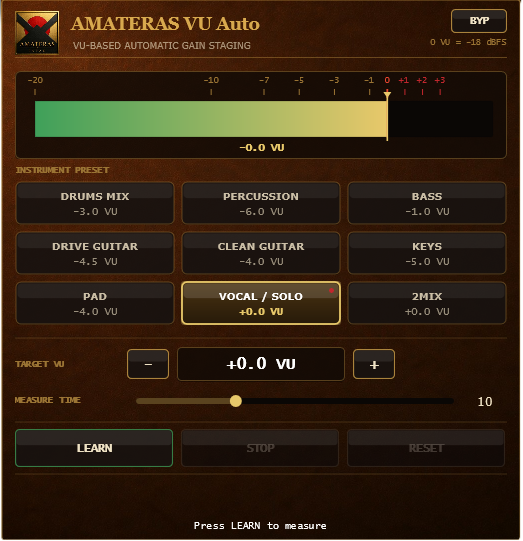
Let VU Auto listen to each track for ten seconds. Once the levels line up, play the song and move the faders by ear. Want the vocal a little further forward? Start there.
AMATERAS JAPAN · A GUIDE TO MIXING TOOLS
Give a vocal you recorded at home the finish of a studio recording.
Let it sit naturally in the backing track, with even the softest words coming through.
Hear a guitar buried in the chorus without turning the song up.
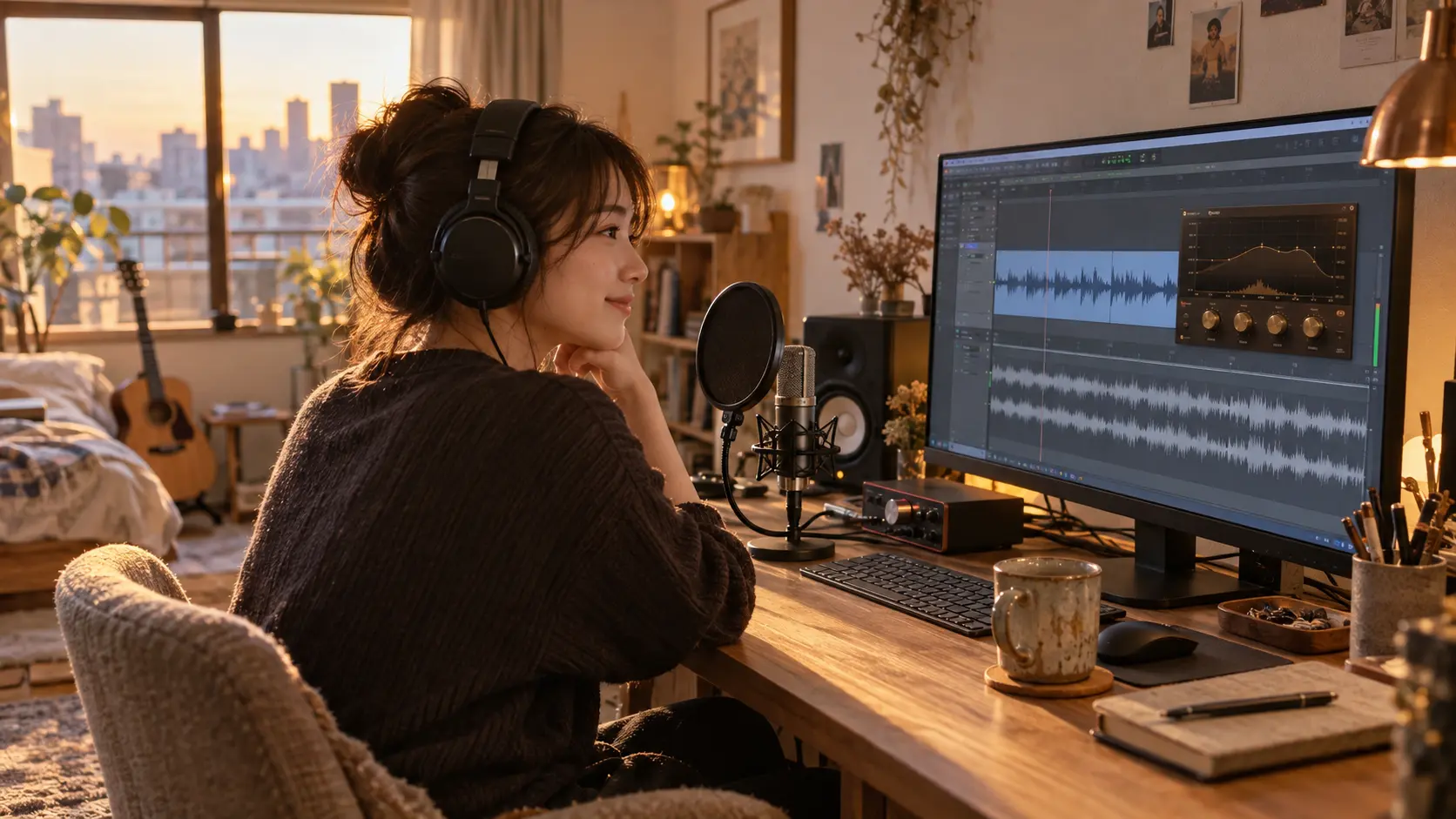
Ever heard a record and wanted to get that sound yourself?
We built 11 plugins around the techniques engineers use to finish vocals and instruments in the studio. They run inside the recording software you already use, so you can shape your own tracks by ear.
Start with a recording. Take it all the way to a finished mix.
Explore the 11 plugins ↓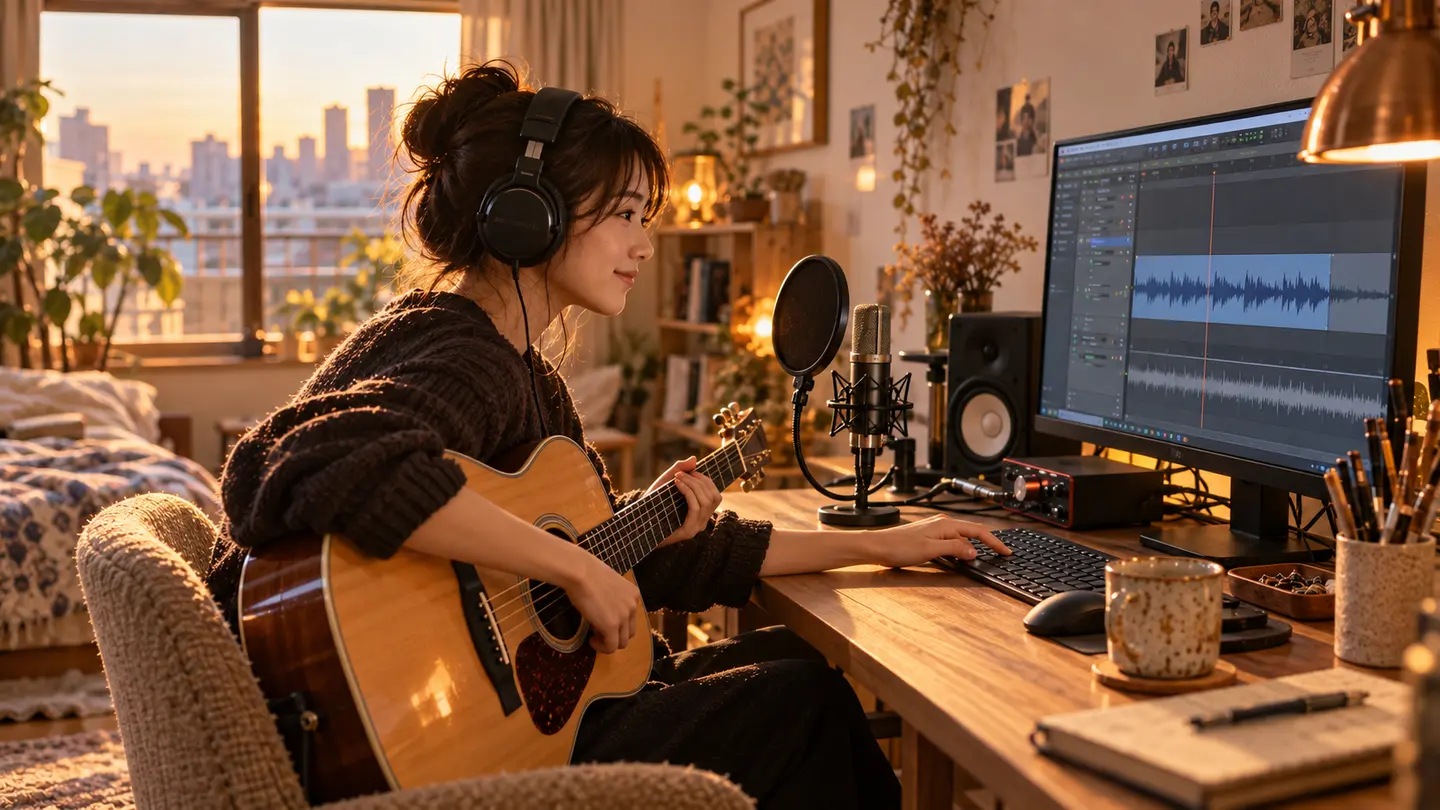
AMATERAS VU Auto
Let VU Auto listen to each track for ten seconds. Once the levels line up, play the song and move the faders by ear. Want the vocal a little further forward? Start there.
AMATERAS Gate Auto
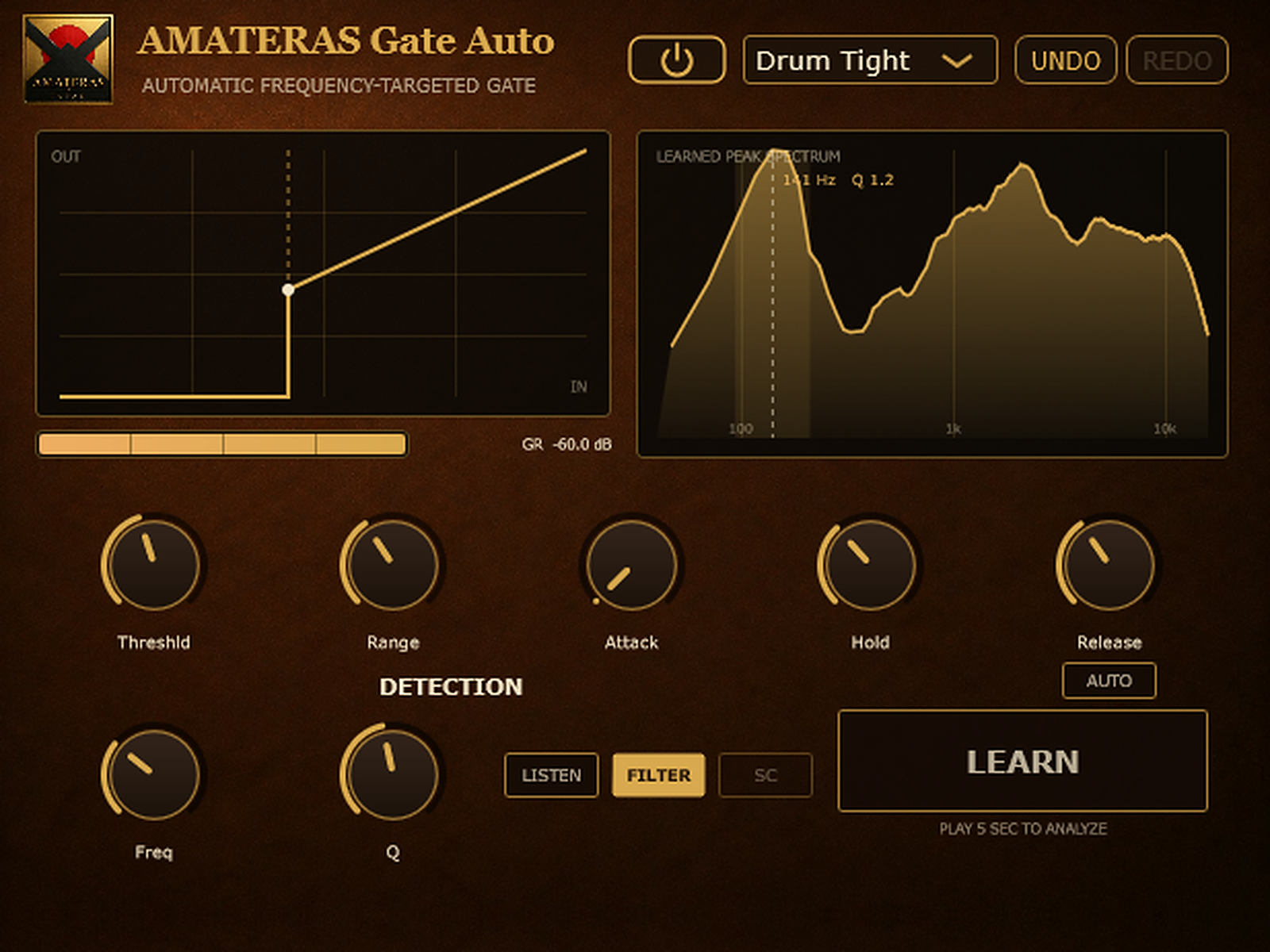
Play five seconds of the guitar you want to keep. Then listen to the gaps between phrases and hear the noise drop away.
AMATERAS EQ Fix
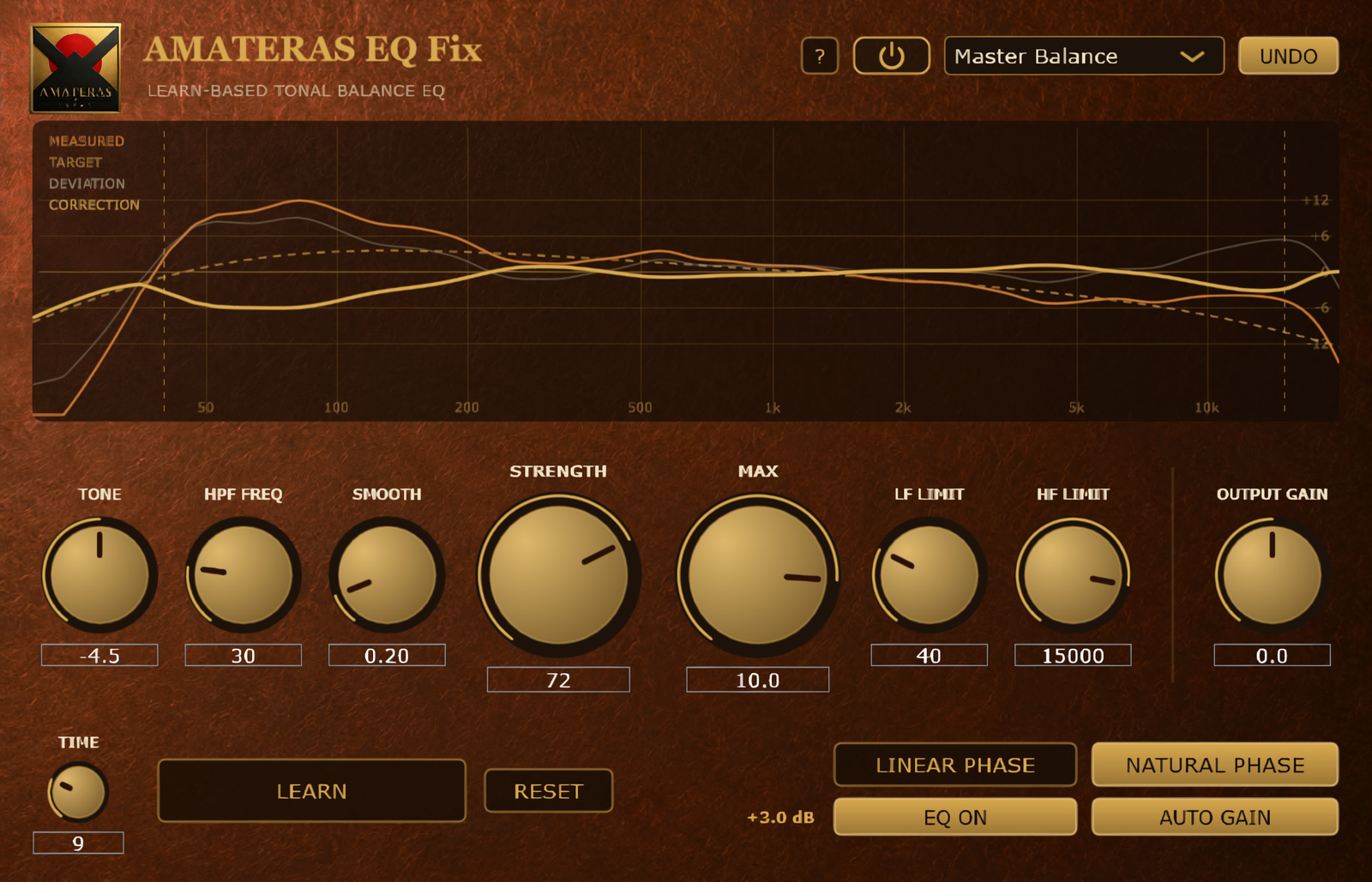
Play a few seconds of singing. EQ Fix listens and adjusts the balance of lows, mids and highs. Bring the backing track back in and set the strength by ear. You can also use it on the whole mix when mastering.
AMATERAS Vocal Gentler
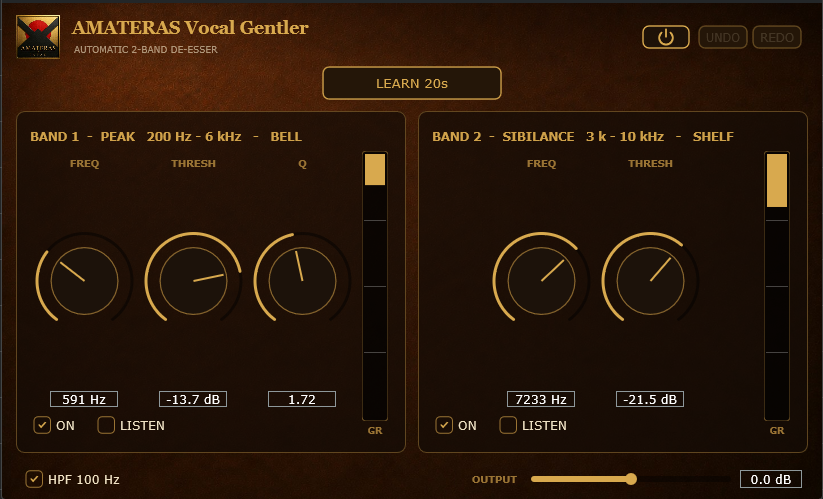
Let Vocal Gentler listen to twenty seconds of singing. It tames piercing consonants and boomy notes just when they jump out.
AMATERAS Comp Opto-1
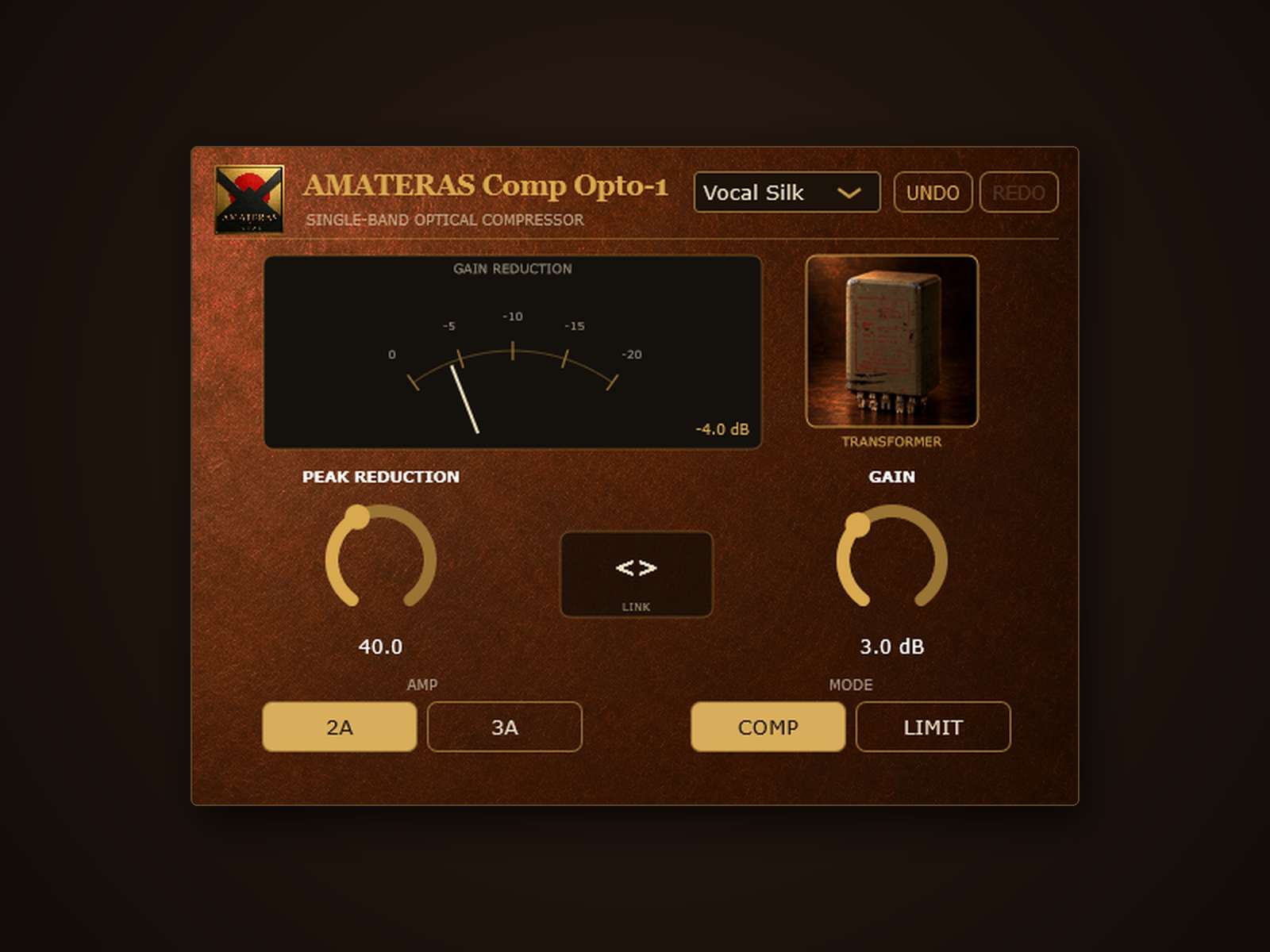
Play the vocal with the backing and turn the knob slowly. Listen for the point where the quiet words come through and the chorus still has the energy of the original performance.
AMATERAS EQ Pure
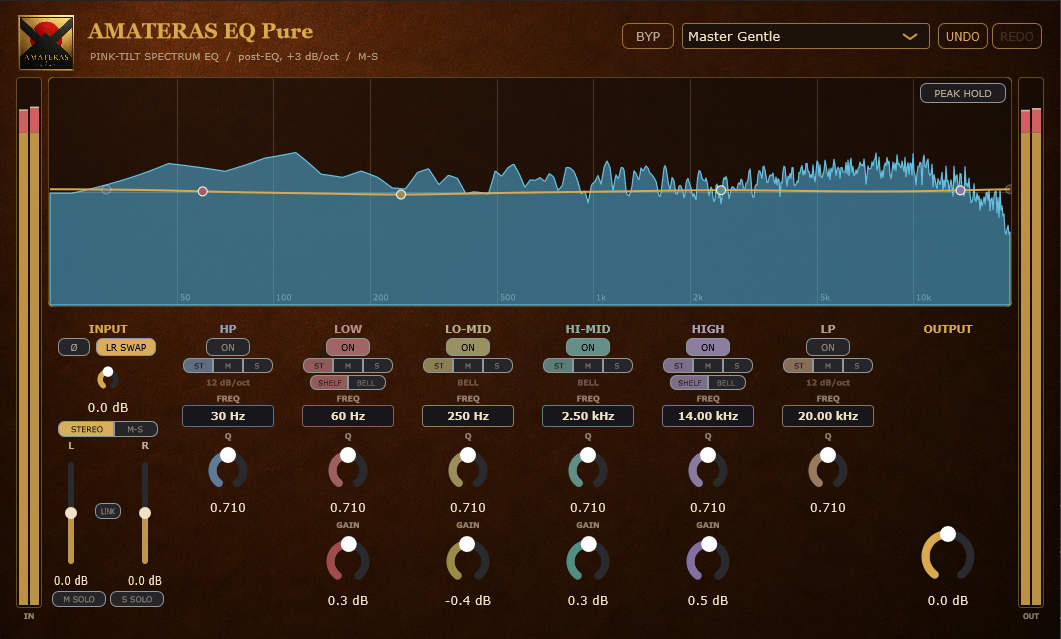
Play the track and watch the display. If a frequency sticks out and sounds too strong, bring it down a little. Once the track sounds balanced, use your ears to fine-tune it. Try a little more brightness or body and see what suits the part.

AMATERAS Transformer Saturator
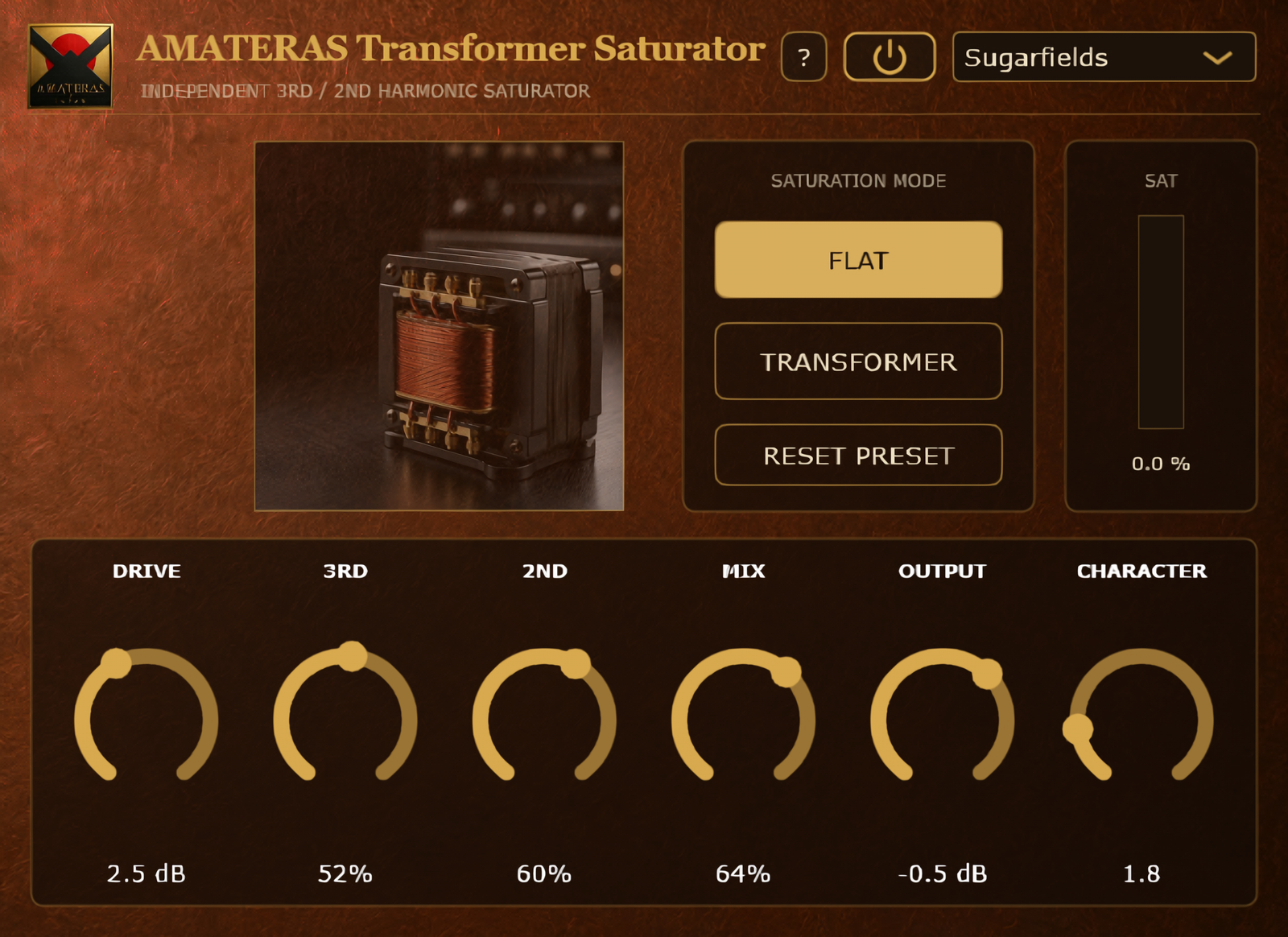
Loop a drum groove, bass line, or guitar riff and switch between the five transformer sounds. On vocals, try just a touch for a fuller tone with a little sheen. It’s a classic studio trick for getting a richer sound.
AMATERAS Chorus Legend
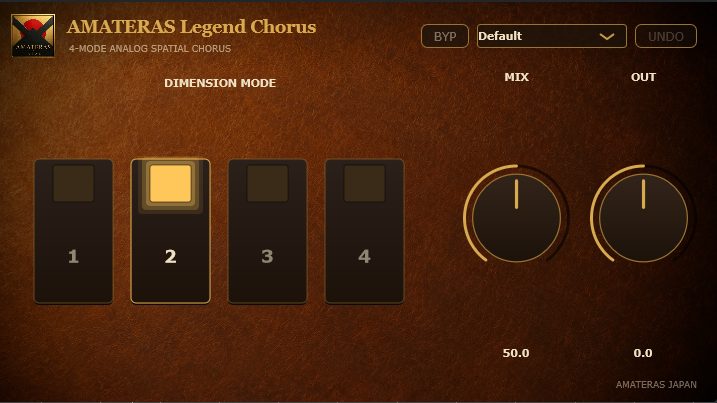
Put Chorus Legend on a track you want to widen and gradually turn up the effect. A little adds thickness. Push it further and you’ll hear a gentle sway that stays smooth even at deeper settings.
When mastering, try a light touch across the whole mix for a little extra stereo width.
AMATERAS Reverb Legend
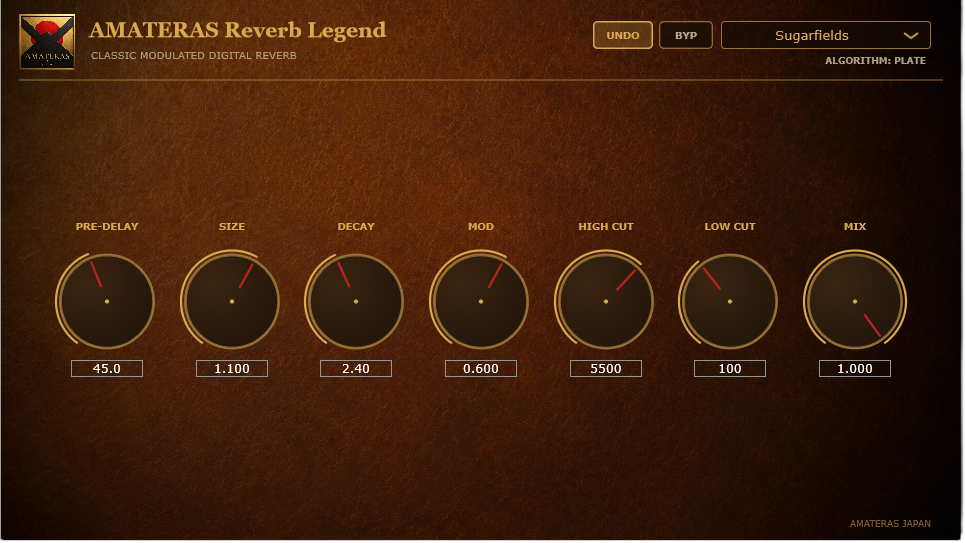
Listen to the last held note of a vocal phrase as you adjust the amount of reverb. The words stay close while the end of the note trails off into the room.

AMATERAS EQ Adaptive
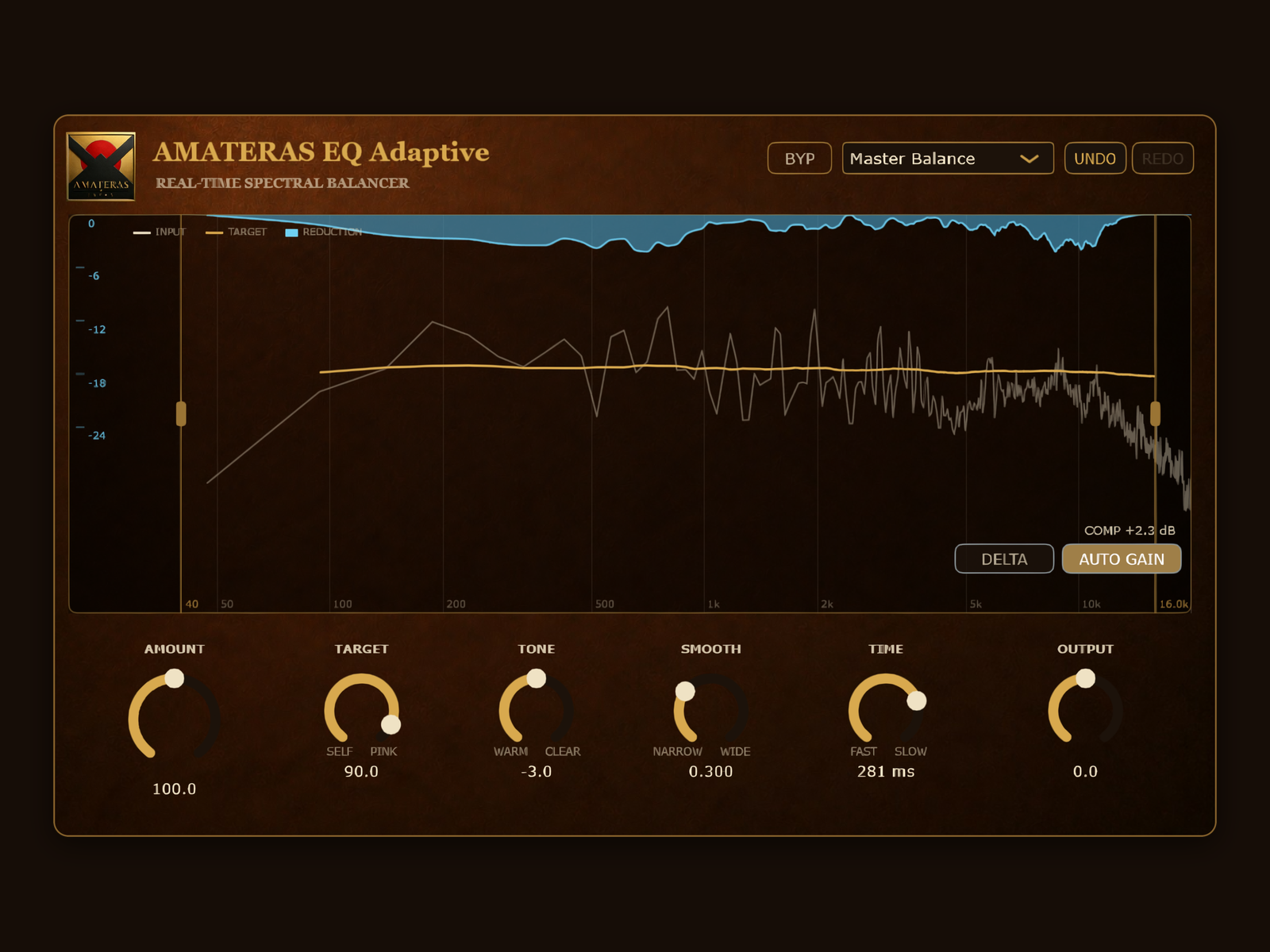
Put EQ Adaptive on the master and play the chorus. It briefly cuts frequencies that stick out. Switch it on and off and listen to the instruments further back in the mix.
AMATERAS Limiter Max
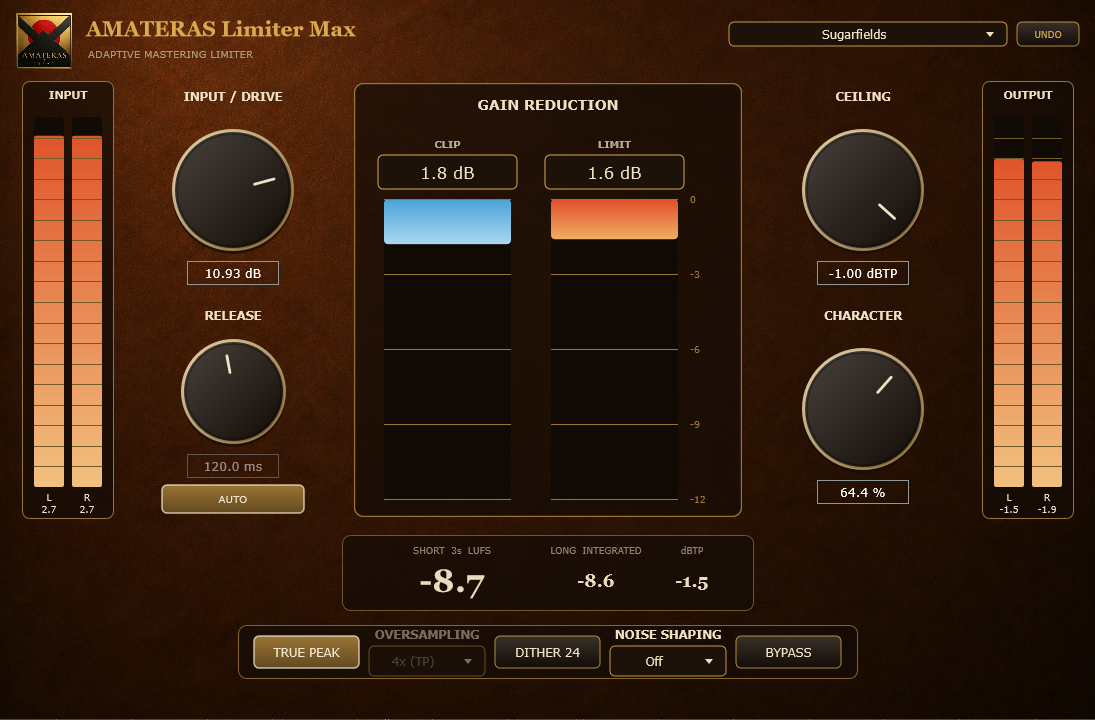
Play the biggest chorus and gradually raise the input. Listen for the point where the song has the impact you want and the vocal still comes through clearly.
WHO MAKES AMATERAS

I’m Tomonobu Hara, the musician behind Sugarfields and the developer of AMATERAS plugins. I made my major-label debut with Pony Canyon in 1997 and have worked on records by artists including Quruli and Suneohair.
I run the studios I built in Ayase, Tokyo, and Nagaoka, Niigata. Over 30 years I’ve mixed and mastered thousands of songs for professional and amateur musicians alike.
Sometimes I want a quiet lyric to come through. Sometimes I want a louder master that keeps the punch of the drums. These are the tools I build in my Nagaoka studio to get those sounds.
Tomonobu Hara · AMATERAS JAPAN / Sugarfields
Which sound would you like to try first?
For mastering, you can pair two plugins: use EQ Fix to balance the tone of the whole mix, then use Limiter Max to set the final loudness.
Browse all AMATERAS plugins ↗Images and text to share ↗Back to top ↑