- Can I use it if I have never used a gate before?
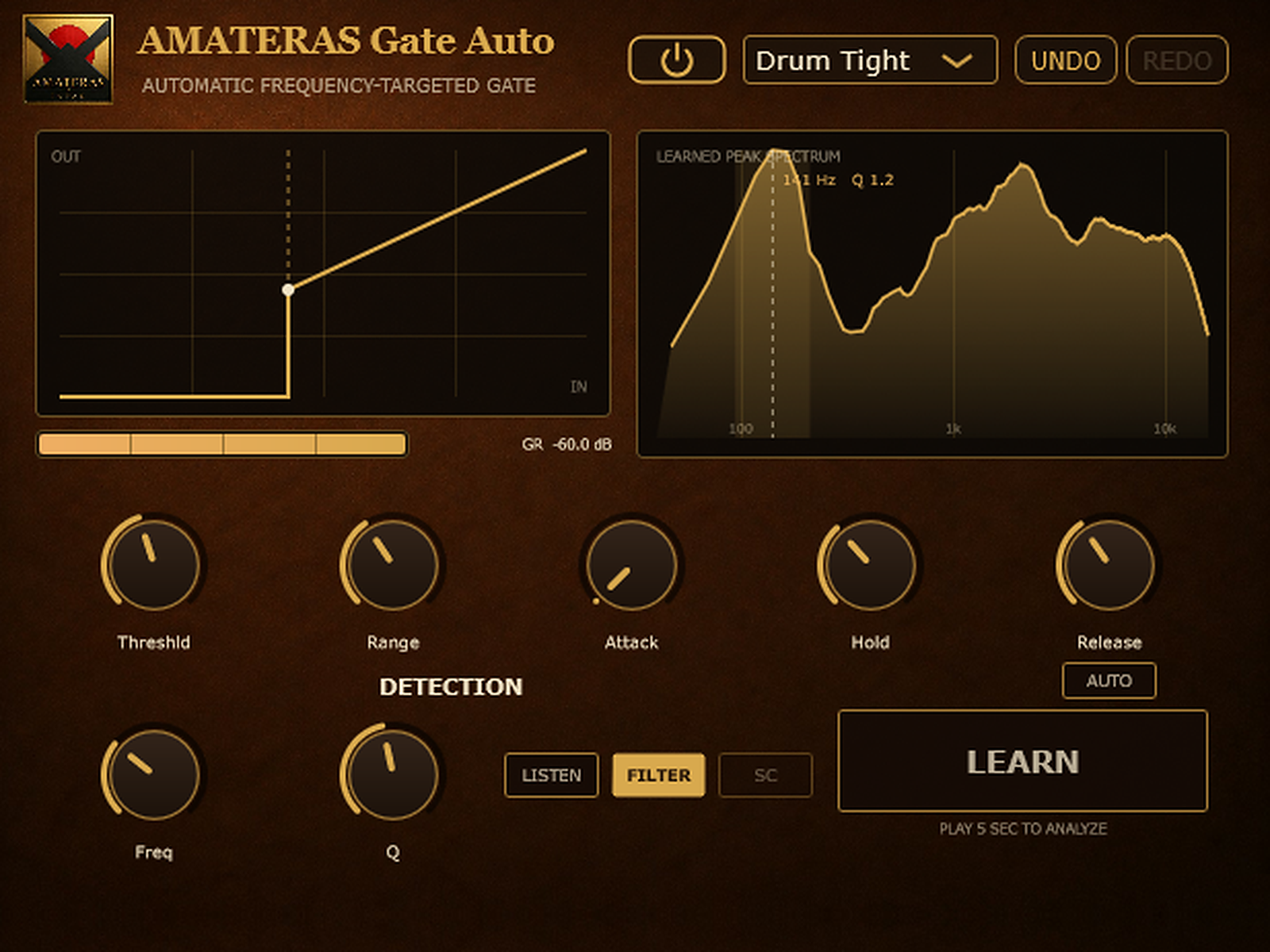
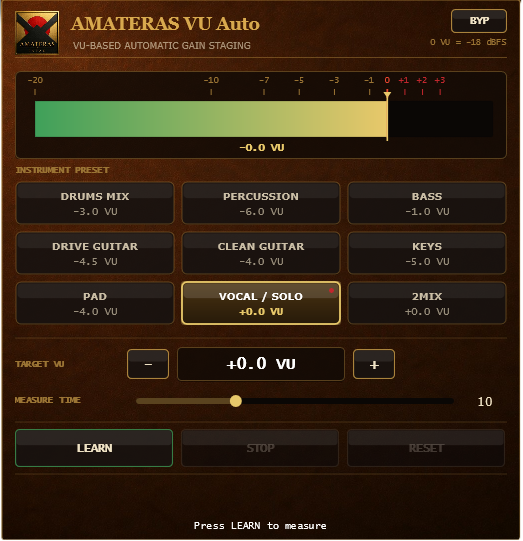
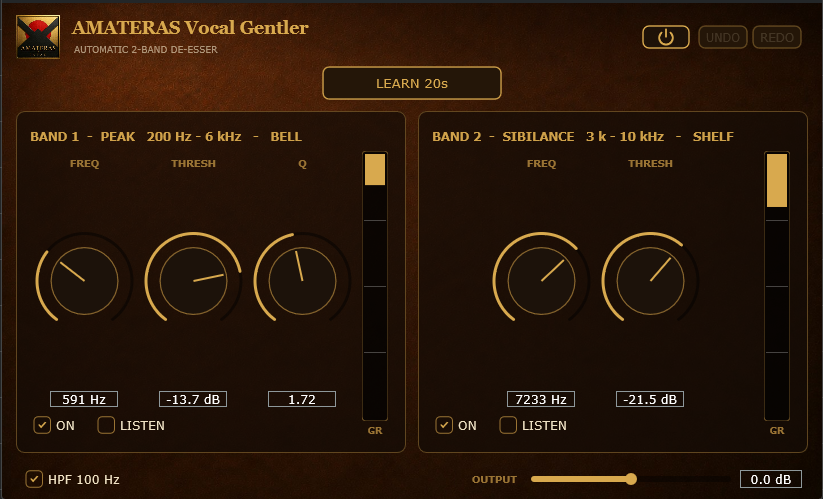
- Yes. Select a preset for your source, play the instrument you want to keep, and press LEARN. It sets the detection frequency, bandwidth and threshold for you.
- Can I use it on vocals?
- Yes. Select the Vocal preset, then press LEARN. It analyses the full frequency range for ten seconds and sets the threshold only, so words that begin with “s” are less likely to be cut. If soft endings get cut, lower Threshld slightly.
- Are both Windows and Mac versions included?
- Yes. One purchase includes installers for both Windows and macOS.
- Is installation straightforward?
- The Mac installer is notarized by Apple: double-click the .pkg file to begin. On Windows, a warning may appear the first time. Select More info, then Run anyway to continue.
- Do I need an account or license activation?
- No product account, activation hardware or online license activation is required. Install the plugin and start using it.
- How many computers can I use it on?
- You can install it on multiple computers that you personally own. Sharing or transferring your license to someone else is not permitted.
- Will it work in my DAW?
- It works in DAWs that support VST3 or AU. AAX is not currently supported.
- Is there a trial version?
- There is no trial version at present. If installation or operation fails on a supported system, contact support. We will help resolve the issue or provide a refund.