MODE 1SUBTLE
Just a change in the air.
The most delicate mode. Add a hint of depth while preserving the expression in a voice or performance.
LEAD VOCALS / MIX FINISHING
 PLUGINS
AMATERAS Chorus Legend
A narrow guitar can get lost behind the vocal. Chorus Legend spreads the chord across the stereo field while keeping the attack in focus.
Listen to the first pick stroke, then follow the ringing chord out to the sides.
Hear the difference ↓LISTEN / CHORUS LEGEND
Saved in this browser.
View favorites (0) →01 / A LITTLE MORE
A vocal, a guitar, an electric piano.
The performance feels right, but the sound could fill a little more space.
A touch of chorus brings out width and sheen.
Even a familiar phrase feels richer.
02 / HEAR THE DIFFERENCE
Keep it subtle for a hint of movement.
Push it further for a richer, wider sound.
Bypass the effect for a moment.
Listen for the space that disappears.
03 / KEEP THE CORE
Keep the voice present and the guitar in focus.
Let the sound around them grow richer.
The chorus layers onto the original signal.
Blend in as much width and body as your track needs.
04 / FIND YOUR SOUND
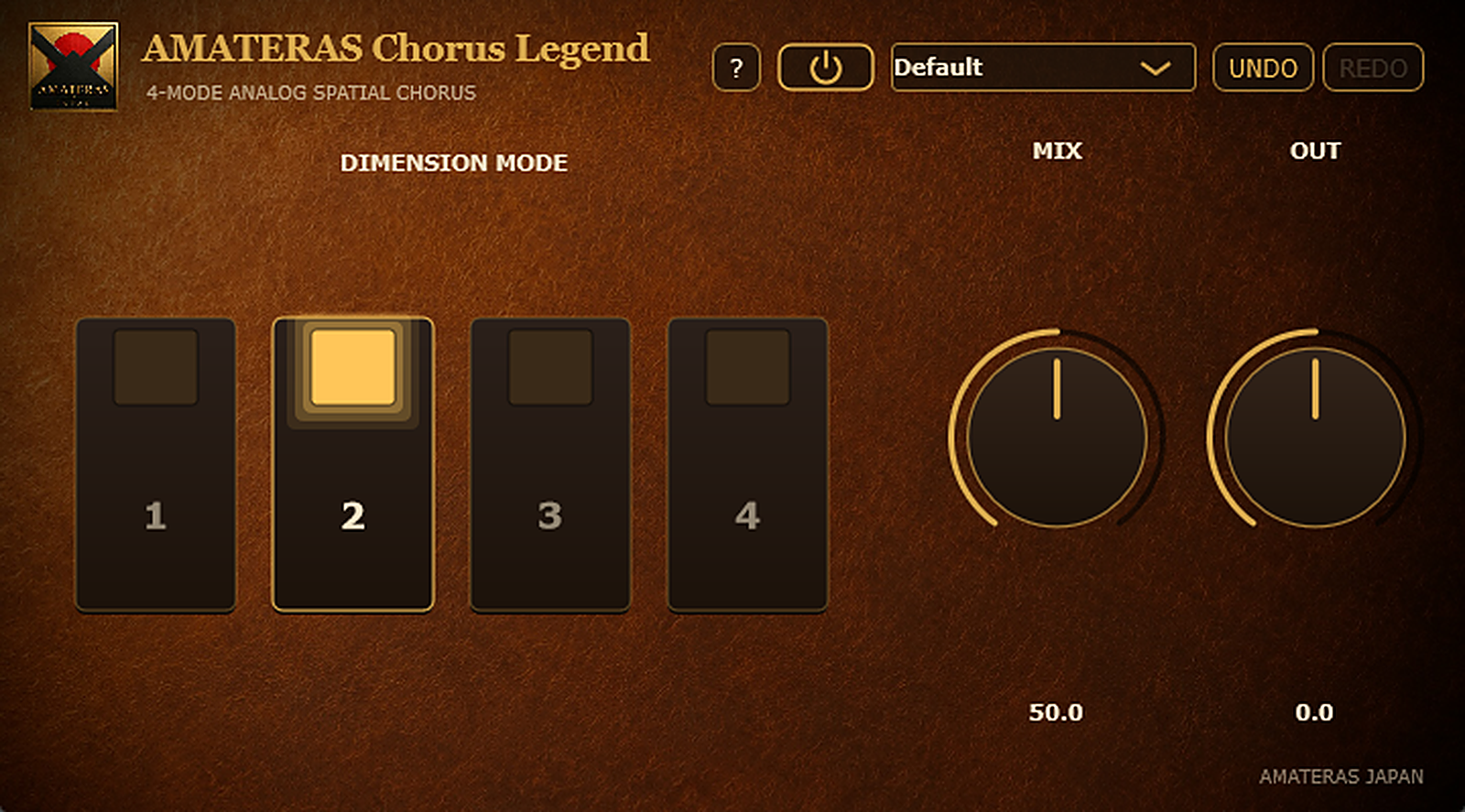
Choose one of four modes.
Raise MIX until the space feels right.
Try a little sheen on vocals.
Add body to guitar or electric piano.
Let a synth wash spread across the stereo field.
AMATERAS CHORUS LEGEND
Bring width and sheen to a recording you love.
Hear where a little chorus takes your mix.
02 / WHY IT’S DIFFERENT
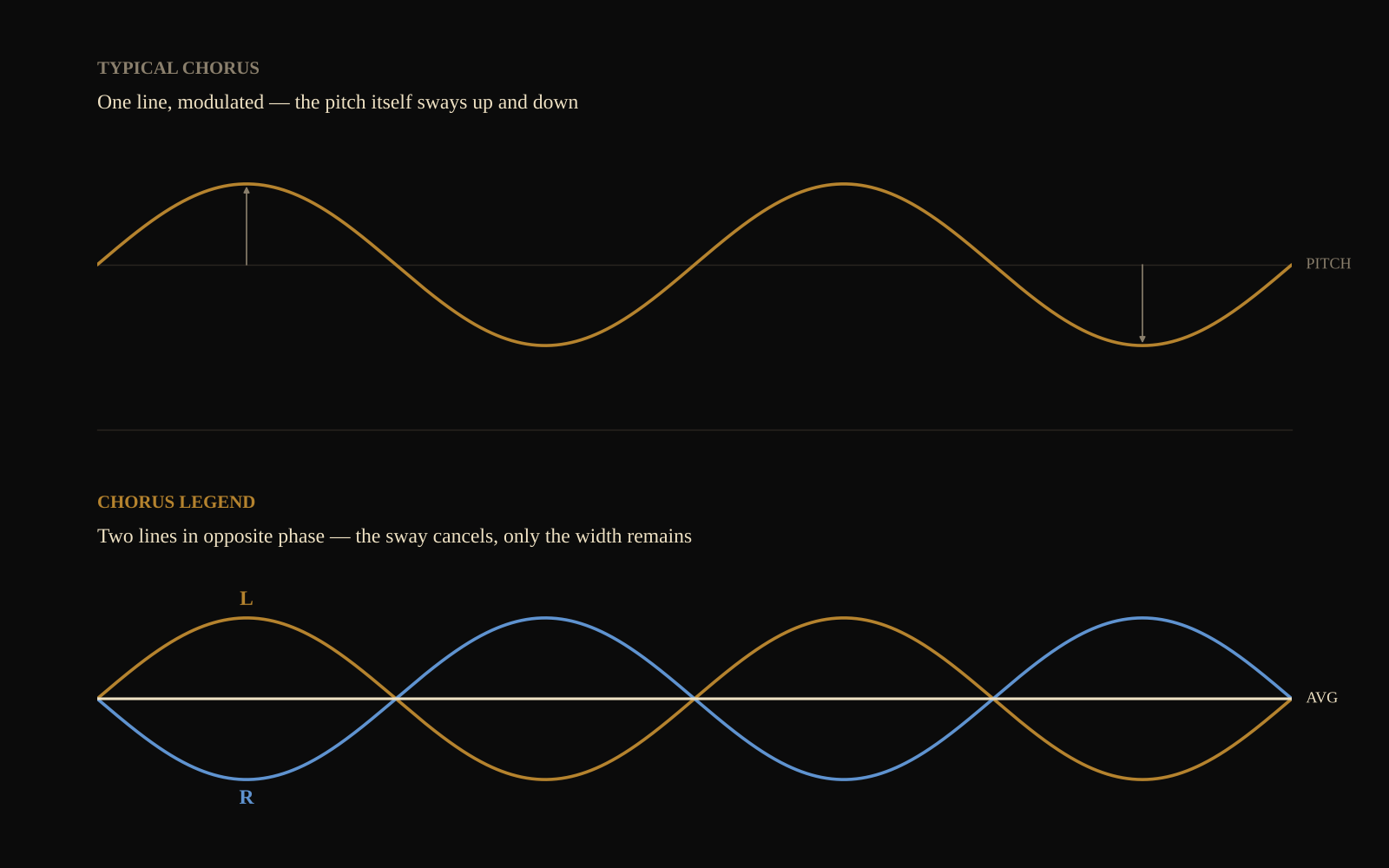
A typical chorus shifts pitch to create thickness. Chorus Legend modulates its left and right signal paths in opposite directions, counteracting pitch wobble.
The result is spaciousness with a steady center, even at deeper settings. It holds together in mono, too.
03 / DIMENSION MODE
FROM A HINT TO A SWELL.
Choose a mode, then set the amount with MIX.
The most delicate mode. Add a hint of depth while preserving the expression in a voice or performance.
LEAD VOCALS / MIX FINISHING
Natural width with a touch of sheen. The standard mode makes it easy to find a depth that fits the song.
NATURAL WIDTH / SUBTLE SHEEN
Bring depth and rich movement to a single ringing note or a full chord.
PIANO / ELECTRIC PIANO / GUITAR
The richest of the four modes. Sustained sounds open out with lush, flowing movement.
PADS / STRINGS / SYNTHS
04 / IN YOUR MUSIC
FIND YOUR APPLICATION.
Add air around a vocal while preserving its definition and fine detail. Start with MODE 1 or 2 and raise MIX gradually. A width you only notice when you bypass it can be enough to bring the performance forward.
Start with MODE 3 to add depth and body to keys. Width is added without reducing the dry signal, keeping the core of the performance intact beneath a layer of silky movement.
The deeper modulation of MODE 4 brings slow, flowing motion to sustained sounds. Use MIX to move from a gentle background presence to a sound that surrounds the song. Rich width settles naturally into the music.
Insert it at the final stage of a finished mix and add a small amount of MODE 1’s delicate width. Start with the Mix Bus Finish preset (MODE 1 / MIX 25%) and adjust to suit the song. The dry signal passes through at full level, adding a finishing sheen while preserving the mix balance. Low frequencies stay dry, keeping the kick and bass clear.

Start by listening and trying it out.
Wondering what a control does?
Click “?” on the panel to return to this guide anytime.
05 / SPECIFICATIONS & CONTROLS
EVERY CONTROL WITHIN REACH.
Four modes. Two knobs.
Six presets, UNDO / REDO and Power.
Everything you need, on one panel.
Choose from four depths of chorus.
Set the amount of effect added to the dry signal. The dry level stays unchanged.
Trim the output level.
Default / Sugarfields / Vocal Sheen / Wide Keys / Deep Pad / Mix Bus Finish
Step backward or forward through your changes with UNDO / REDO. Applying a preset counts as one action and can also be undone (up to 20 steps).
Restore changes you have undone, one step at a time.
Lit gold means active; click it and it goes dark to bypass, and the panel dims.
THE PEOPLE BEHIND THE PLUGINS
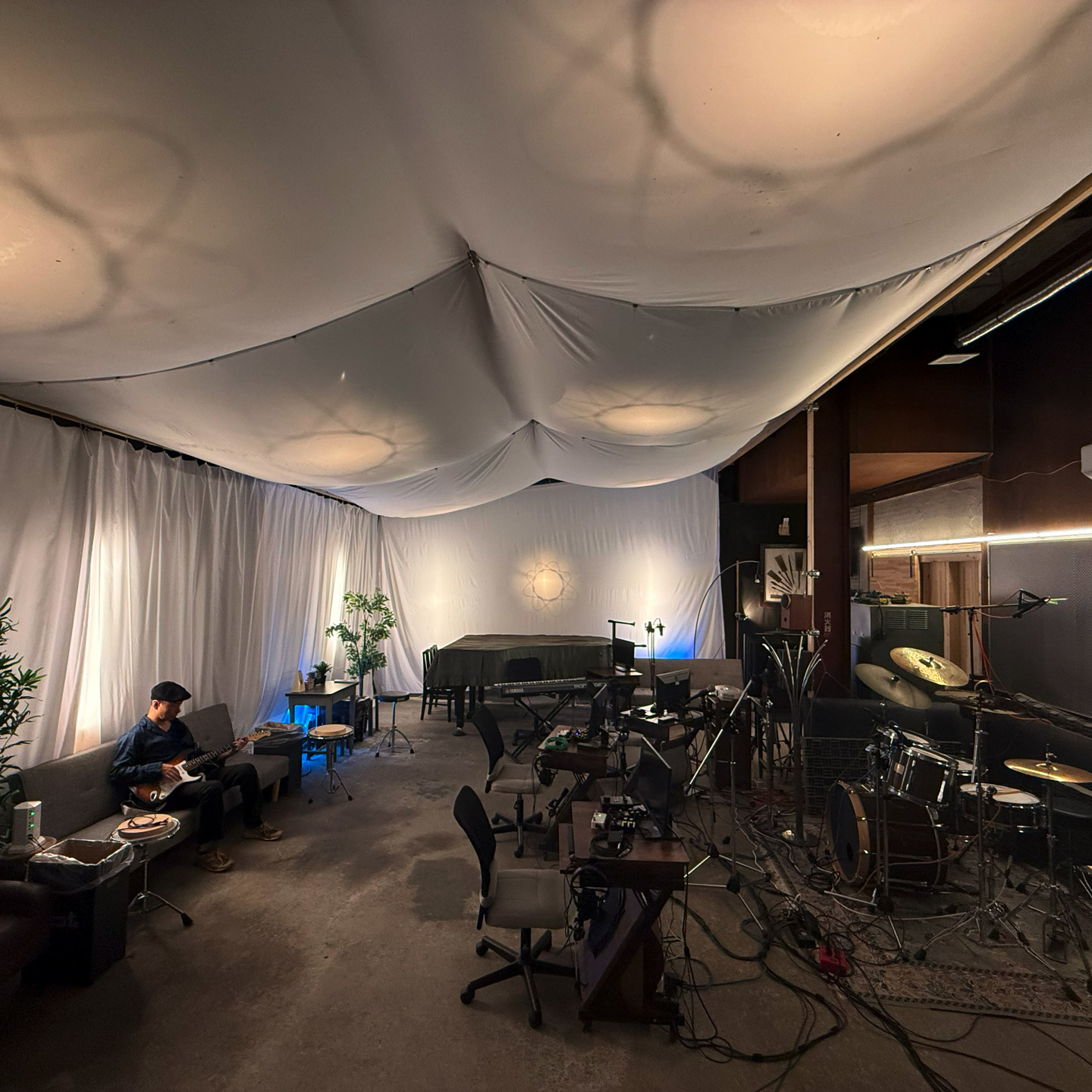
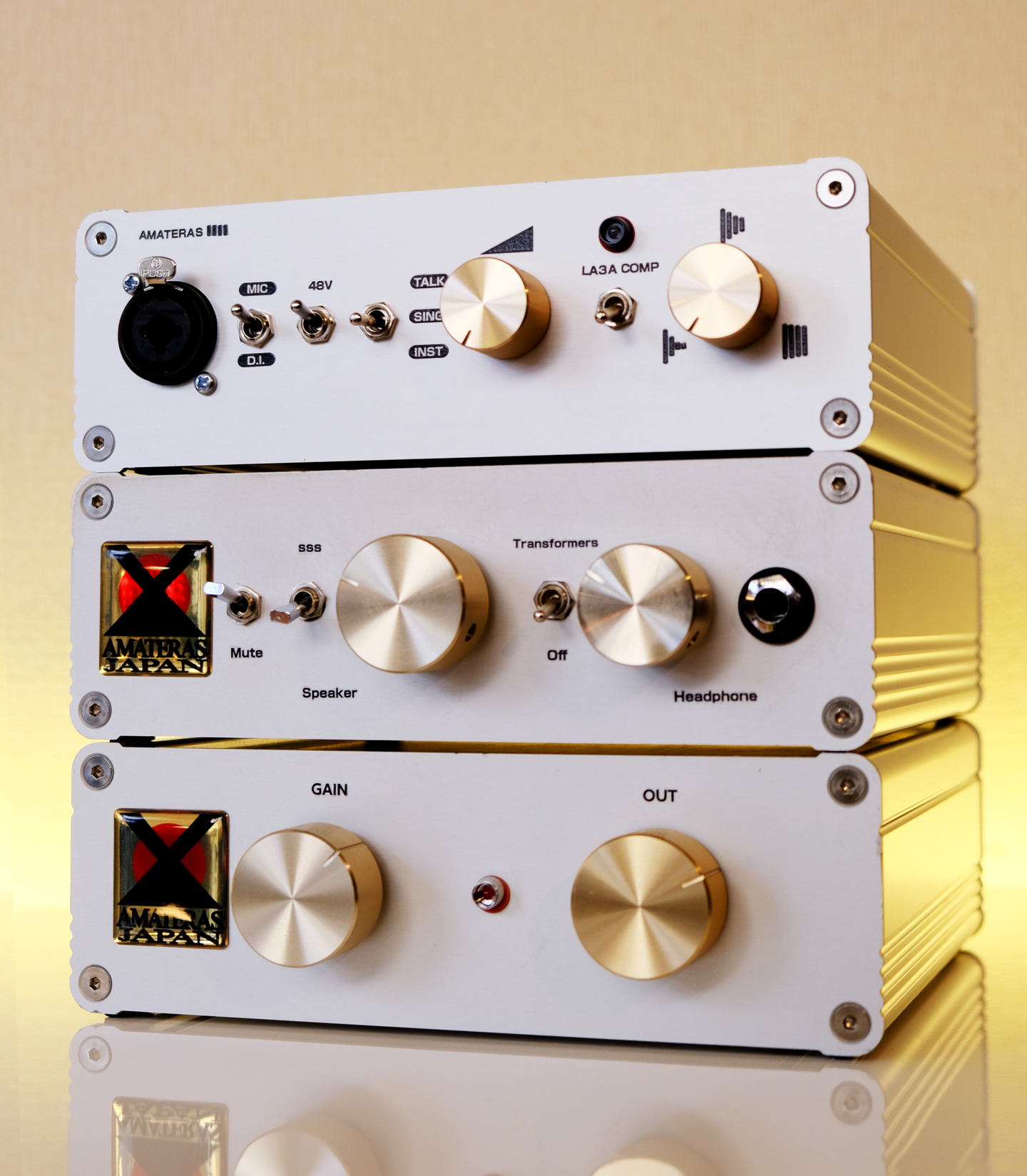
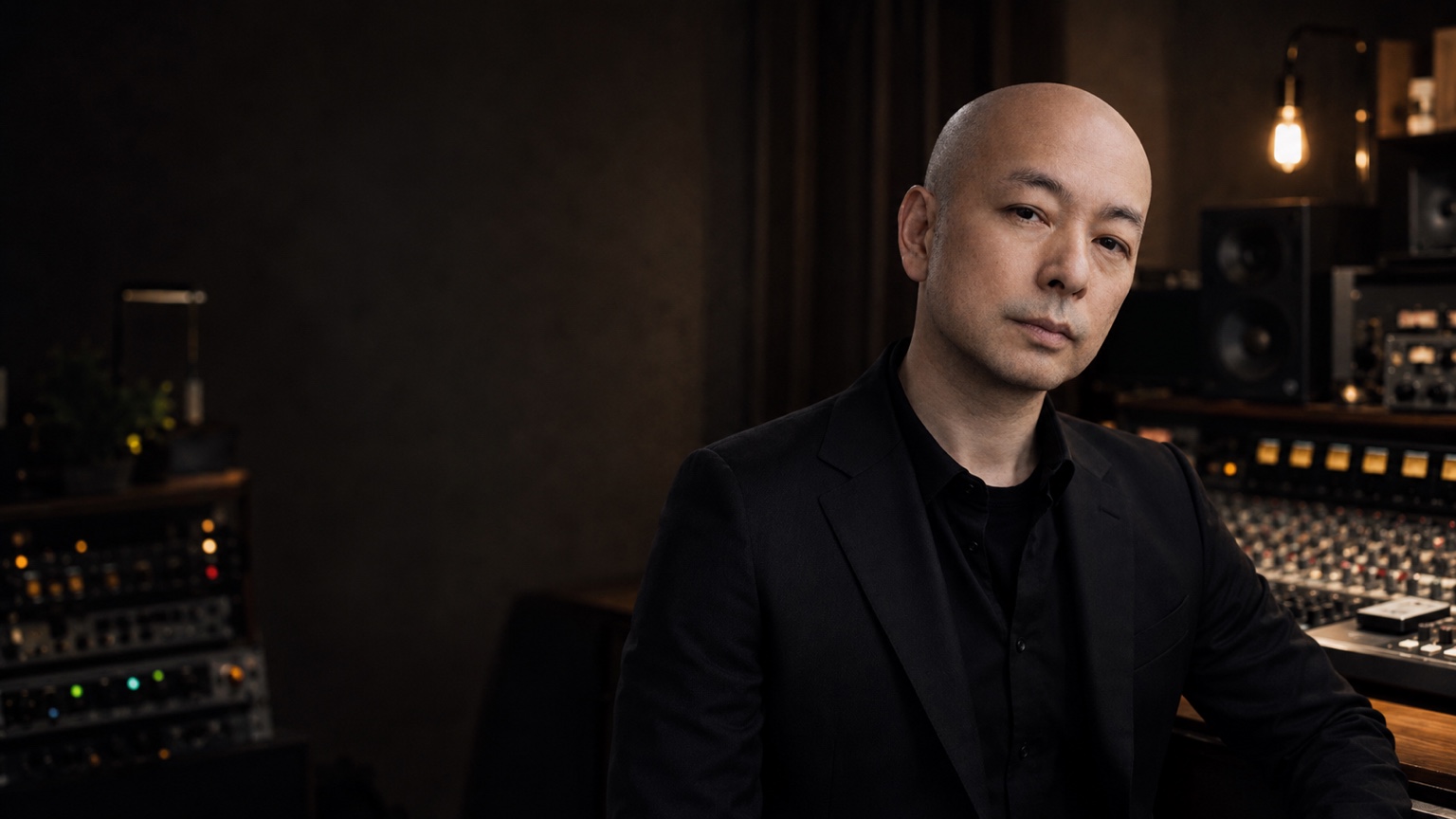
We record music. We mix and master it. We also design the hardware and plugins we want to use in our own work.
AMATERAS brings together more than 30 years of engineering experience and a working studio in Nagaoka, Japan.
The aim is simple: tools that sound good, make sense, and help you finish the music.
Ranked by buyers of individual plugins on BASE and Polar, October 25–November 23, 2026.
06 / LICENSE & SUPPORT
NAGAOKA, JAPAN
Questions about your setup or your purchase? Get in touch with the people behind AMATERAS.
One license covers multiple machines owned and used by the purchaser.
Transfer or sharing with third parties is prohibited.
For product questions, please contact us using the link below.
CONTACT SUPPORT ↗Mac — The installer is notarized by Apple. Double-click the .pkg file to install.
Windows — Run the installer. If SmartScreen appears the first time, follow the steps in the included README.
Contact support ↗OTHER AMATERAS PLUGINS
AMATERAS
AMATERAS
AMATERAS
AMATERAS
AMATERAS
AMATERAS
AMATERAS
AMATERAS
AMATERAS
AMATERAS
AMATERAS
AMATERAS
AMATERAS
AMATERAS