- Can I use it if I have never used a de-esser?
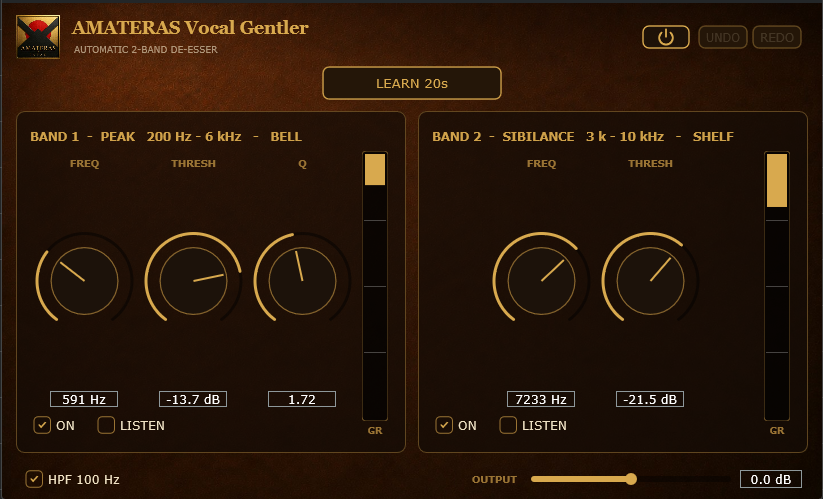
- Yes. Play the voice and press LEARN. It finds the frequencies, bandwidth and thresholds for you.
- Will it make my voice sound dull?
- It reduces harsh or boomy frequencies only when they become too strong, then releases. This helps preserve brightness compared with a constant EQ cut. If it sounds overprocessed, raise THRESH.
- Should Vocal Gentler go before or after my compressor?
- We recommend placing Vocal Gentler first. It tames sibilance and boomy peaks before they reach the compressor, helping it respond more naturally.
- Can I use it while recording?
- Yes. It adds no latency, so you can use it in your monitor path while recording.
- Are both Windows and Mac versions included?
- Yes. One purchase includes installers for both Windows and macOS.
- Is installation straightforward?
- The Mac installer is notarized by Apple: double-click the .pkg file to begin. On Windows, a warning may appear the first time. Select More info, then Run anyway to continue.
- Do I need an account or license activation?
- No product account, activation hardware or online license activation is required. Install the plugin and start using it.
- How many computers can I use it on?
- You can install it on multiple computers that you personally own.
- Will it work in my DAW?
- It works in DAWs that support VST3 or AU. AAX is not currently supported.
- Is there a trial version?
- There is no trial version at present. If installation or operation fails on a supported system, contact support. We will help resolve the issue or provide a refund.