LOUDNESS METERING
Check your loudness.
Before you export.
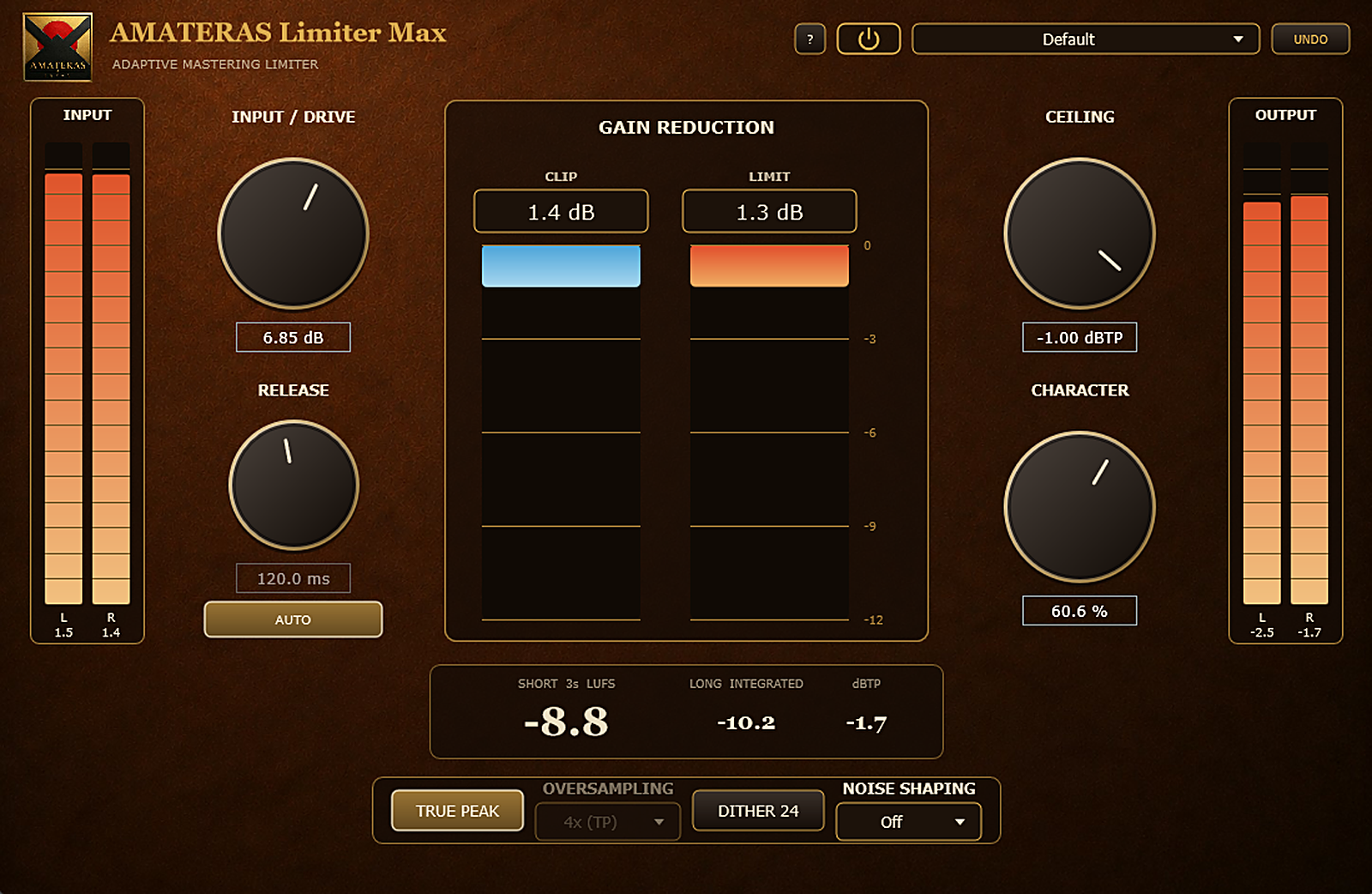
SHORT (3-second), INTEGRATED and output dBTP are always visible. Check and adjust on the panel. Click INTEGRATED to reset it.
AMATERAS PLUGINS 05 / CLIPPER + LIMITER
VST3 / AU · WINDOWS / macOS
Give your track the impact you love in your favorite records.
Bring up the loudness while keeping the mix punchy and clear.
AMATERAS Limiter Max combines a clipper and limiter for final loudness adjustment.
Shape the balance of loudness, punch and clarity by ear.
01 / LOUDNESS WITH PUNCH
By sharing peak control between a clipper and a limiter, Limiter Max builds loudness while reducing the whole-mix pumping that heavy limiting can introduce.
Listen to the drum attack and vocal presence as you find the balance.
02 / SHAPE IT BY EAR
Start with two controls: INPUT / DRIVE and CHARACTER.
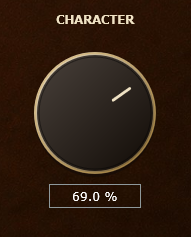
Use INPUT / DRIVE to push the level into the processor. Turn CHARACTER to shape the sound from clean to rich, adjusting how clipping and limiting share the work.
Listen to the drum hits and the vocal as you adjust. Find the point where the track has the energy and definition you want.
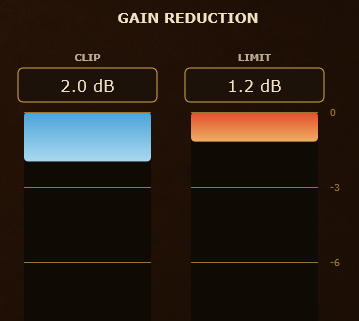
The CLIP and LIMIT meters show how much each stage is doing, so you can connect the changes you hear with the processing you see.
There’s no universal target number. Find the sound by ear, then use the meters to understand what’s working.
03 / TWO STARTING POINTS
Start with the clean Default preset or Sugarfields, the setting we use in our own mastering sessions. Adjust loudness and character to suit your track.
UNDO restores the values saved in the preset.
04 / LISTEN
WALKTHROUGH
AMATERAS LIMITER MAX
Listen to each drum hit, and to what happens to the vocals and instruments around it.
Hear how the energy changes as the level rises, and how CHARACTER shapes the balance between clipping and limiting.
Japanese narration with English subtitles.
Watch on YouTubeCONTROLS & FEATURES
LOUDNESS METERING
SHORT (3-second), INTEGRATED and output dBTP are always visible. Check and adjust on the panel. Click INTEGRATED to reset it.
TRUE PEAK
In TRUE PEAK mode, internal oversampling detects true peaks and keeps the output within your CEILING setting in dBTP.
Push the input level to control how hard the peak processing works.
Set the output ceiling.
Choose an adaptive release or set the release time manually.
Clean to rich. Adjust how clipping and limiting share the work.
Enable or disable true peak detection.
Choose the oversampling factor.
Dither and noise shaping for exporting at 24-bit resolution.
Lit gold means active; click it and it goes dark to bypass, and the panel dims.
At 0% CHARACTER, the limiter handles all peak processing. At 100%, the clipper takes the lead, rounding off peaks as they happen to reduce the overall level movement associated with a limiter’s release.
A brickwall limiter with 2 ms of lookahead catches the peaks that make it through the clipper. Choose adaptive AUTO release or a manual release from 10 to 1000 ms.
In bypass, the original input passes through bit for bit, aligned with the reported latency compensation. Verified to produce complete silence in a DAW null test. The panel’s power button and the DAW’s bypass button stay in sync.
BEFORE LIMITER MAX / EQ FIX
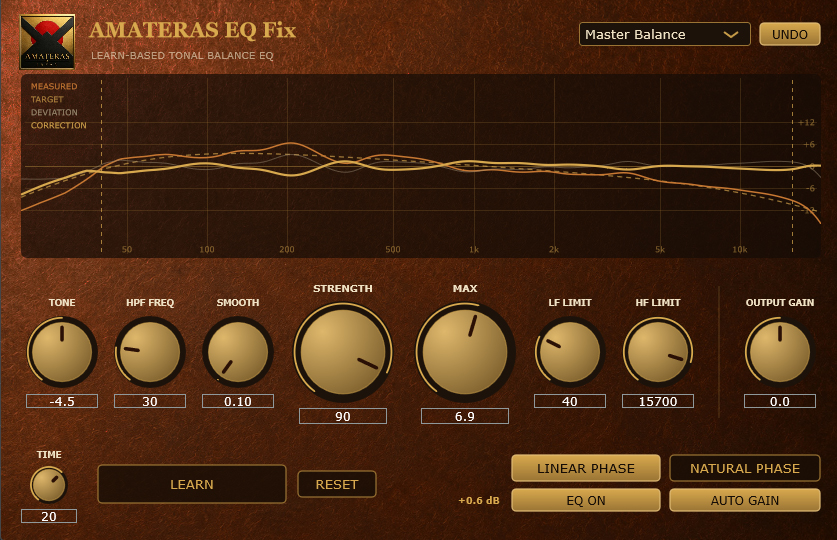
Balance with EQ Fix.
Bring the impact with Limiter Max.
You turn up the level, but the low end gets boomy. You want impact, yet the mix feels congested.
Check the tonal balance before the limiter. Taming excess energy in problem areas can give you a better foundation for raising the loudness without pushing the processing too hard.
AMATERAS EQ Fix makes that preparation easier.
Insert it before Limiter Max, play your track and press LEARN. EQ Fix analyzes the tonal balance and builds a correction curve. Listen to the result, then adjust the amount to taste.
Start with a balanced foundation. Then shape the impact.
EXPLORE EQ FIX
You don’t need to read everything before you begin.
The controls are intuitive, so start using it.
Whenever you wonder “How do I do that?”, you’re welcome back here.
SPECIFICATIONS
Pro Tools (AAX) is not currently supported.
The macOS installer is signed and notarized by Apple — just double-click the .pkg to install. The Windows installer is not yet code-signed, so SmartScreen may show a warning when you first run it. Instructions are included in the README.
As this is a digital download, returns and refunds are not available after purchase. If the plugin cannot be installed or does not work in a supported environment, please contact us. We will provide support or issue a refund.
AMATERAS JAPAN
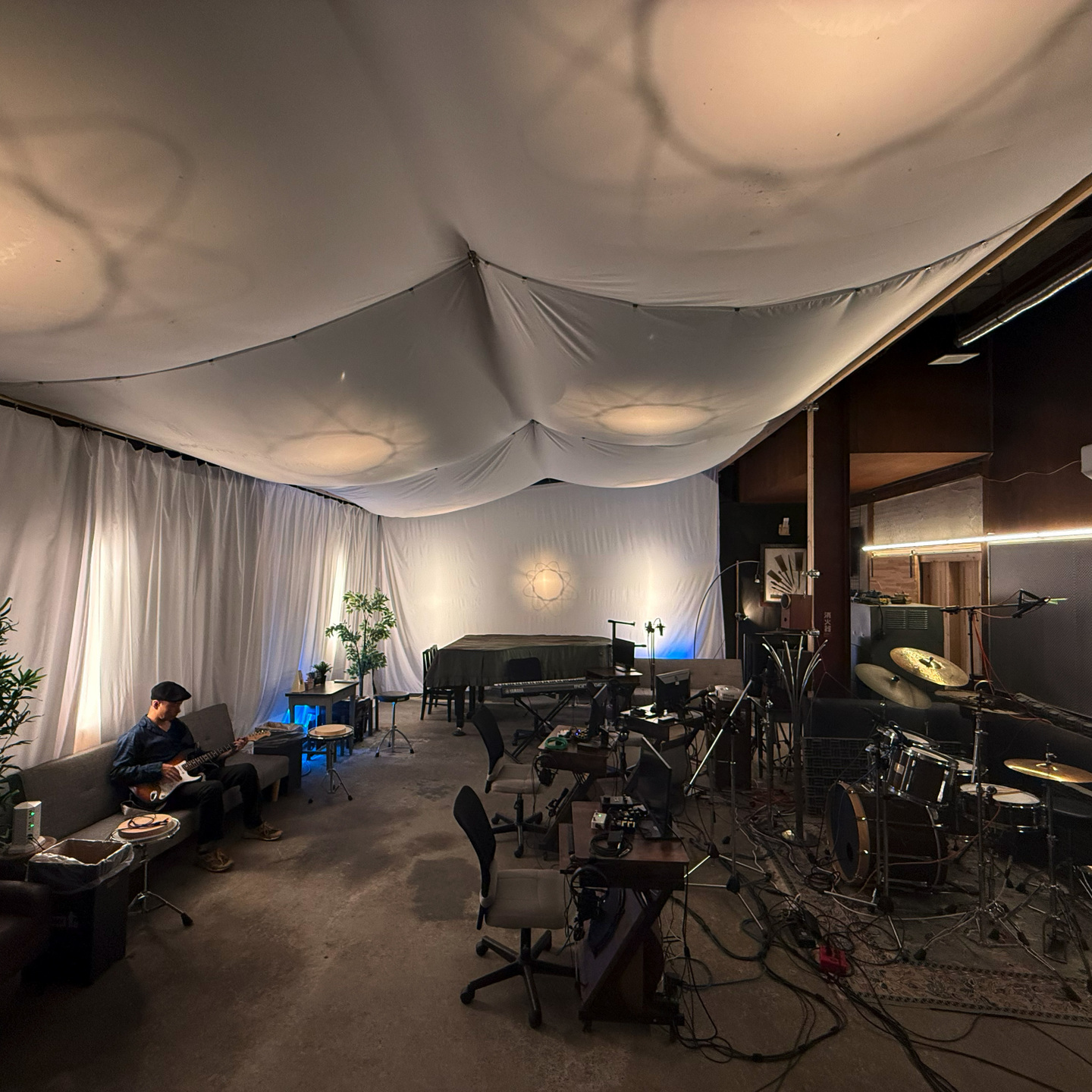
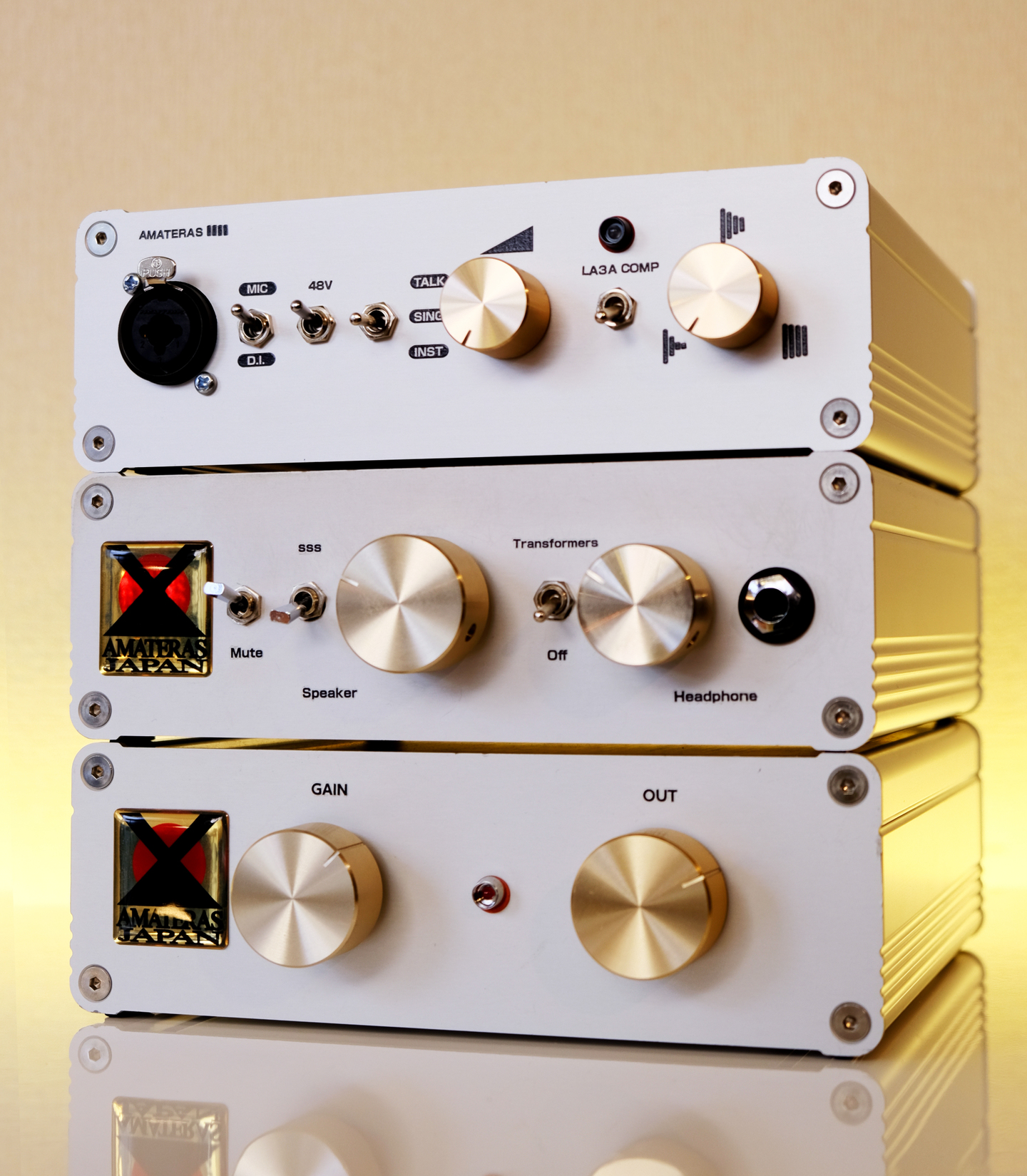
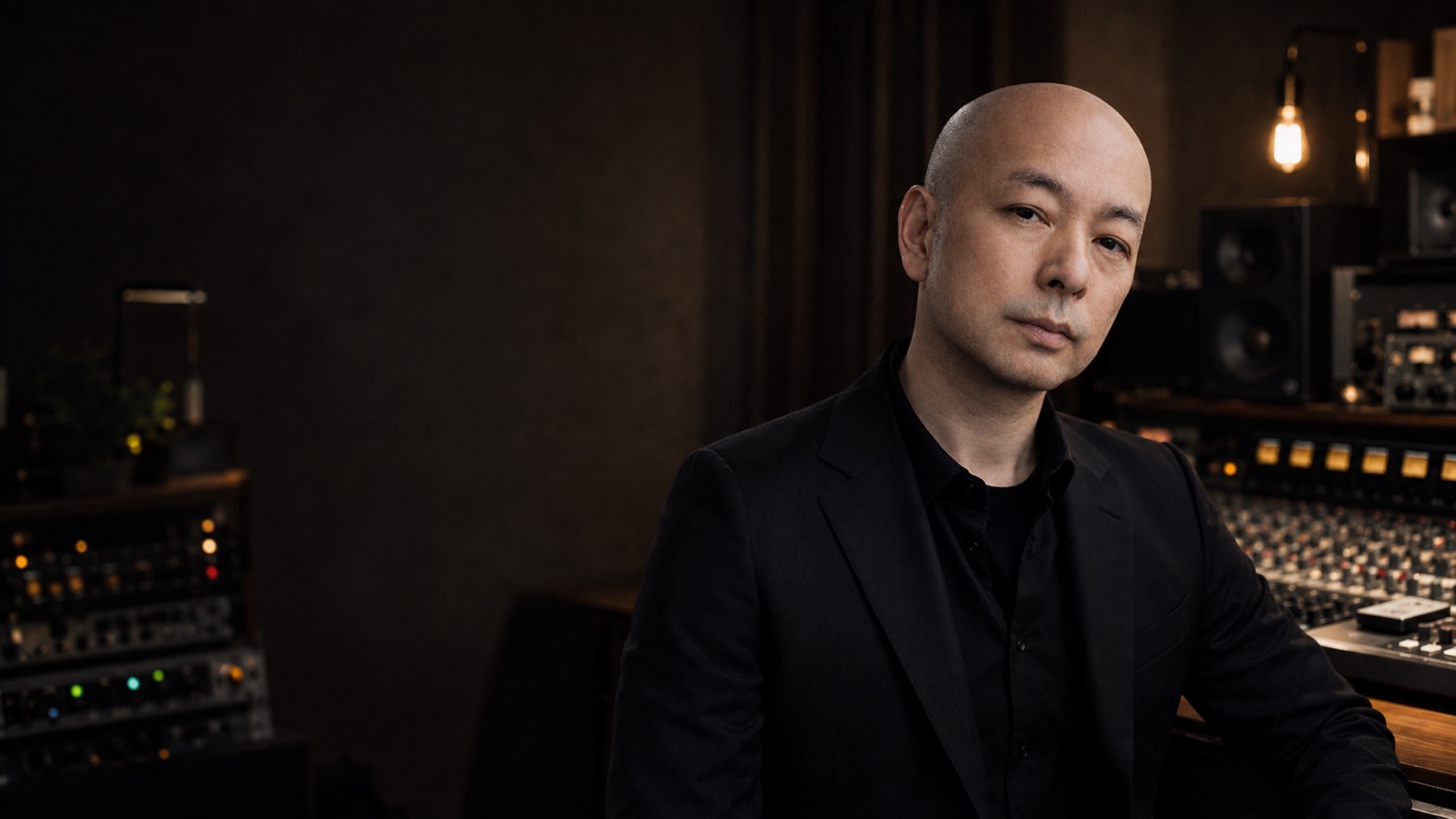
We record music. We mix and master it. We also design the hardware and plugins we want to use in our own work.
AMATERAS brings together more than 30 years of engineering experience and a working studio in Nagaoka, Japan.
The aim is simple: tools that sound good, make sense, and help you finish the music.
AMATERAS LIMITER MAX
You’ve put the work into your music. Take it to the point where you’re ready to say, “Listen to this.”
Find your loudness. Keep your feel.
OTHER AMATERAS PLUGINS
AMATERAS
AMATERAS
AMATERAS
AMATERAS
AMATERAS
AMATERAS
AMATERAS
AMATERAS
AMATERAS
AMATERAS